Vea el sitio de Orvik para Latinoamérica, en español.
Continuar
Orvik
Every shift,
in plain sight.
Access
No one gets in without your approval.
No shortcuts
No master key. Nothing to hand over.
Orvik Control
You know when it happens. Not days later.
Console
All your sites, live, on one screen.
Verified patrols
Every patrol, sealed with time and place.
Face-verified attendance
Your officer at their post. Verified.
Payroll
You pay only for what was actually worked.
The operational compliance platform for security. What happens on site, verified and in real time.
What it solves
What keeps you up at night.
And how it stops.
Who protects your site?
For residential communities, schools and businesses that hire their own guards.
For security companies that serve multiple clients and want to prove their work.
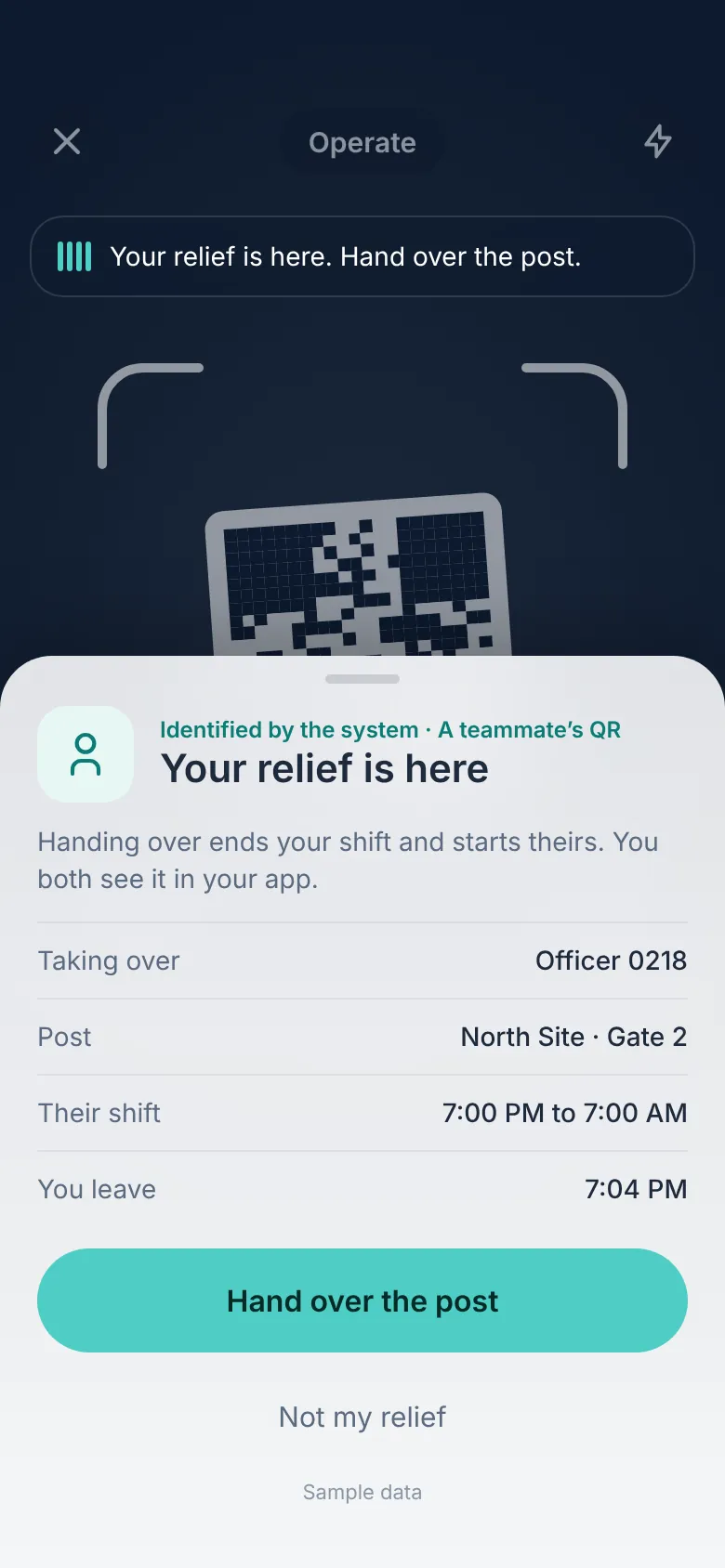
Shift handover · Orvik ID
The shift changes hands.
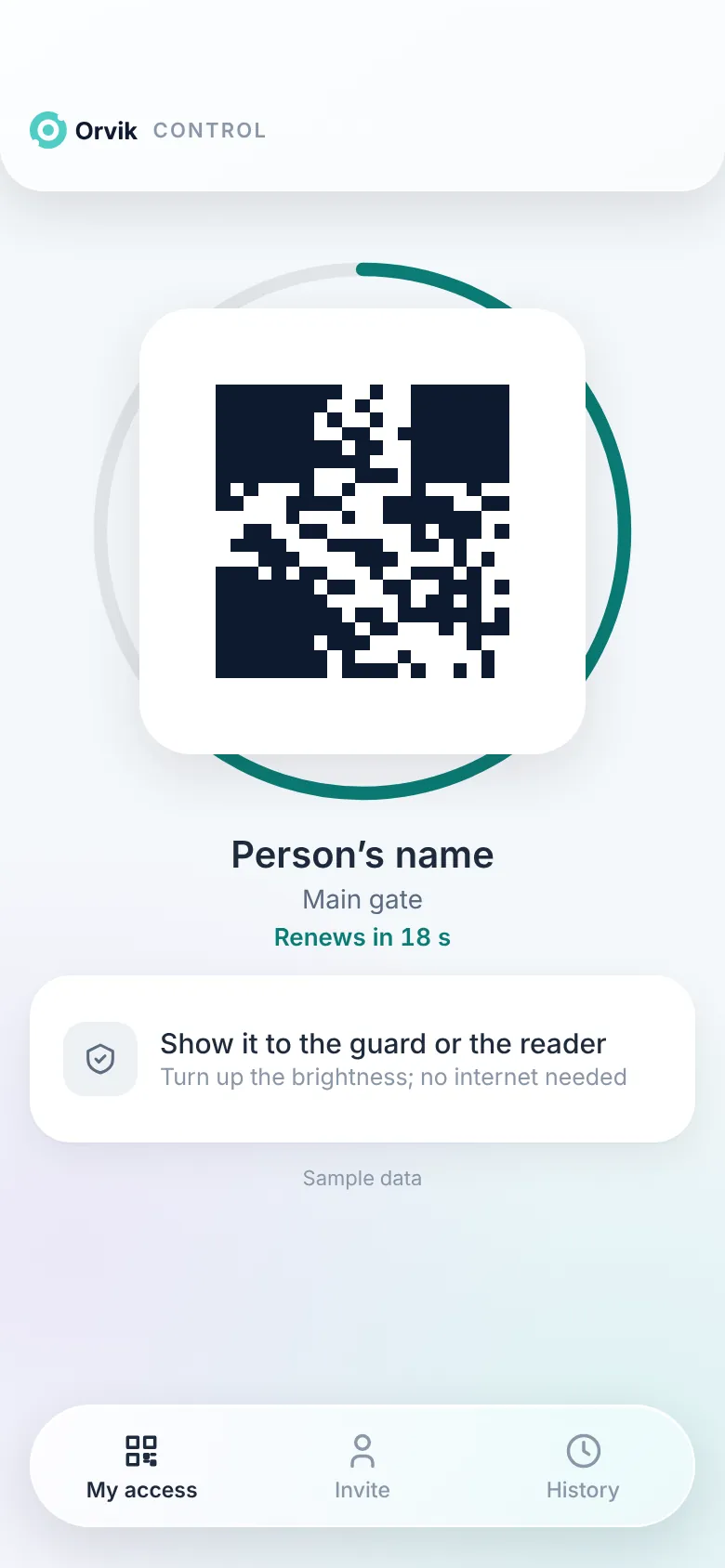
Face-verified.Standing pass · Orvik Control
Regulars walk in
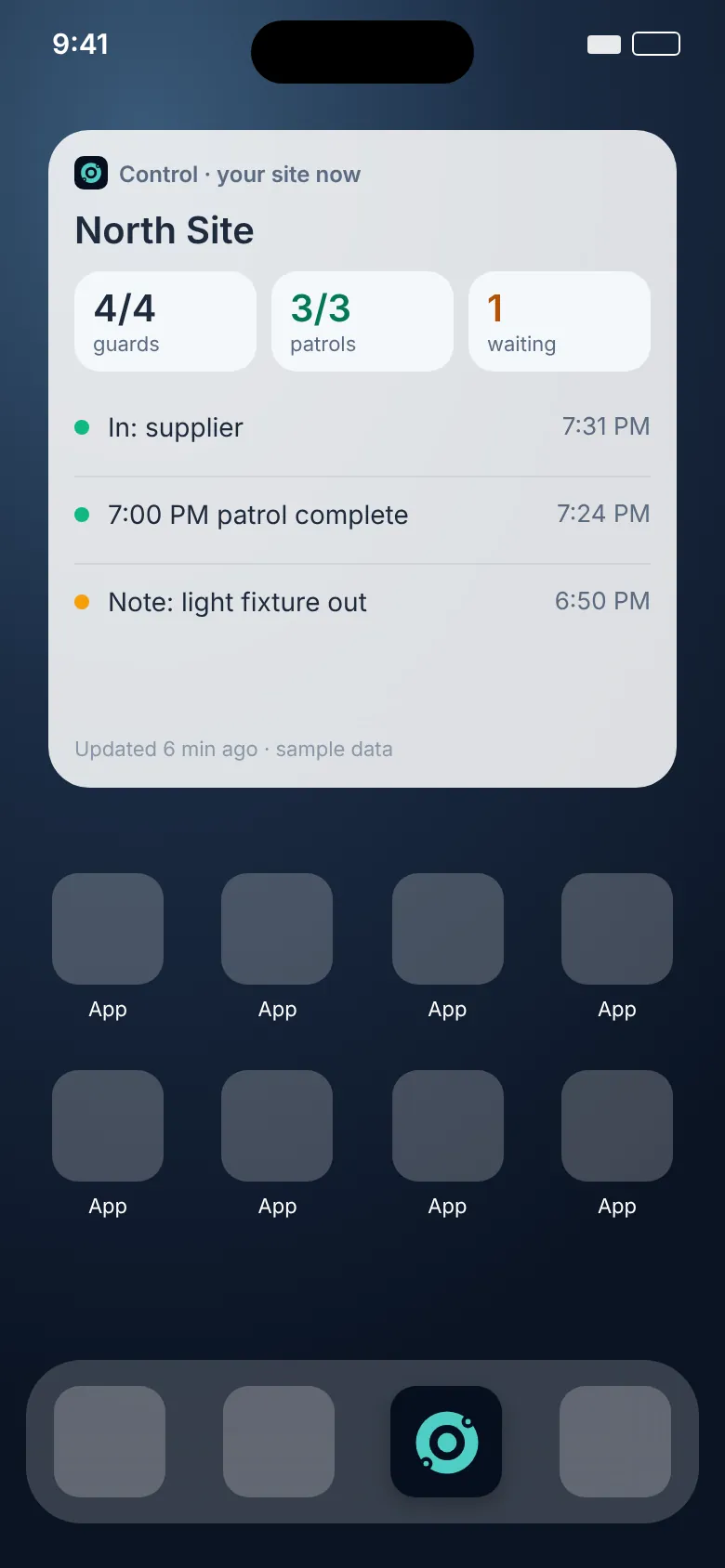
with their own pass.Widget · Orvik Control
Your site,
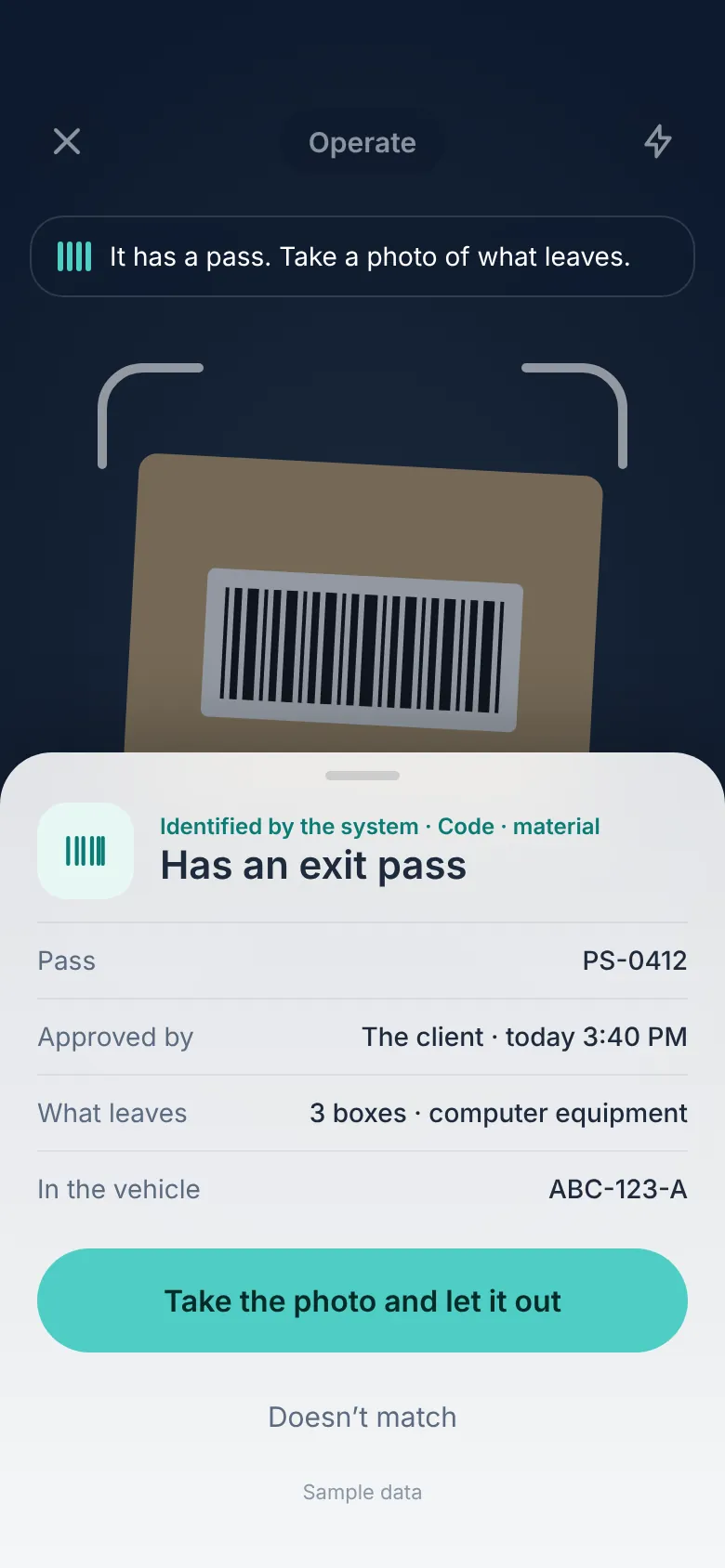
without opening the app.Material exit · Orvik ID
What leaves,
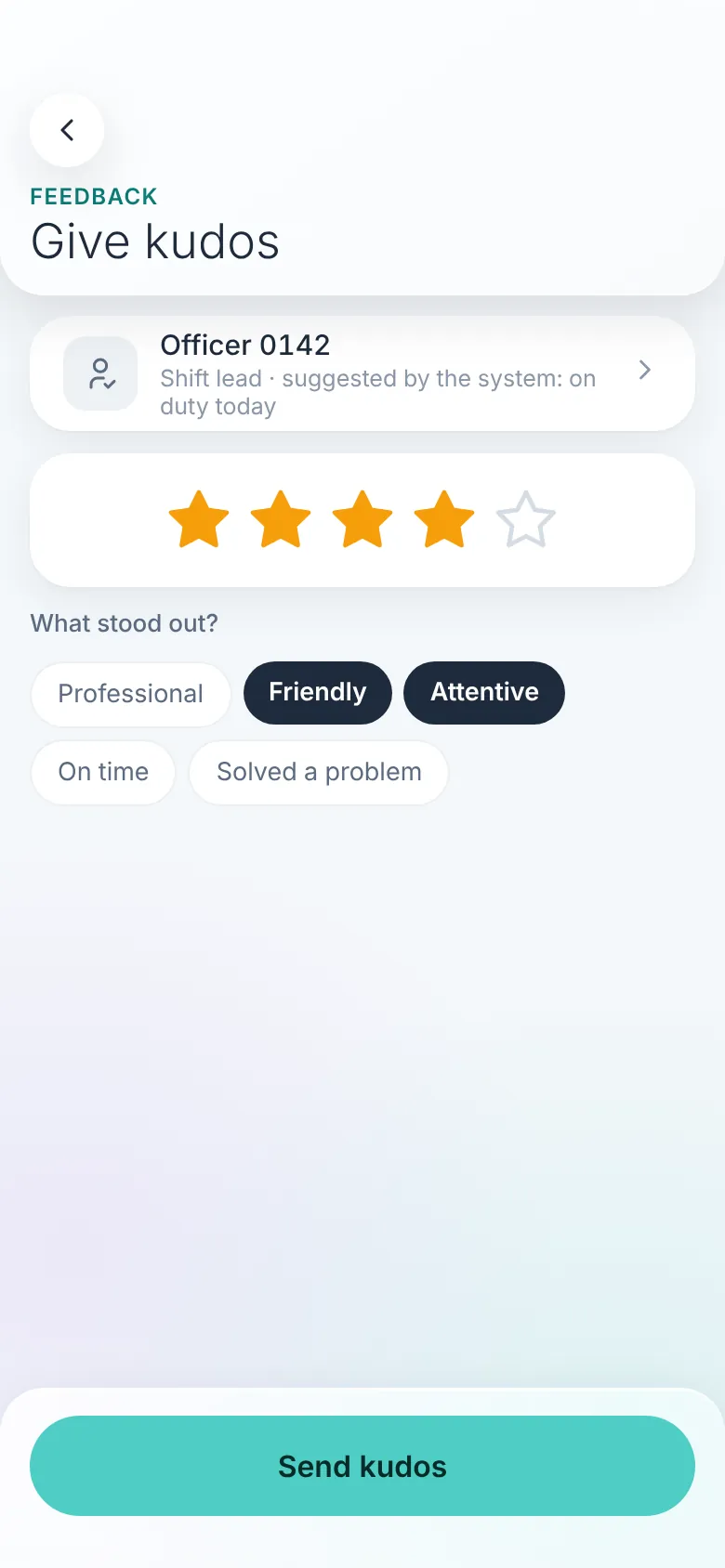
leaves with a pass.Kudos · Orvik Control
Recognize
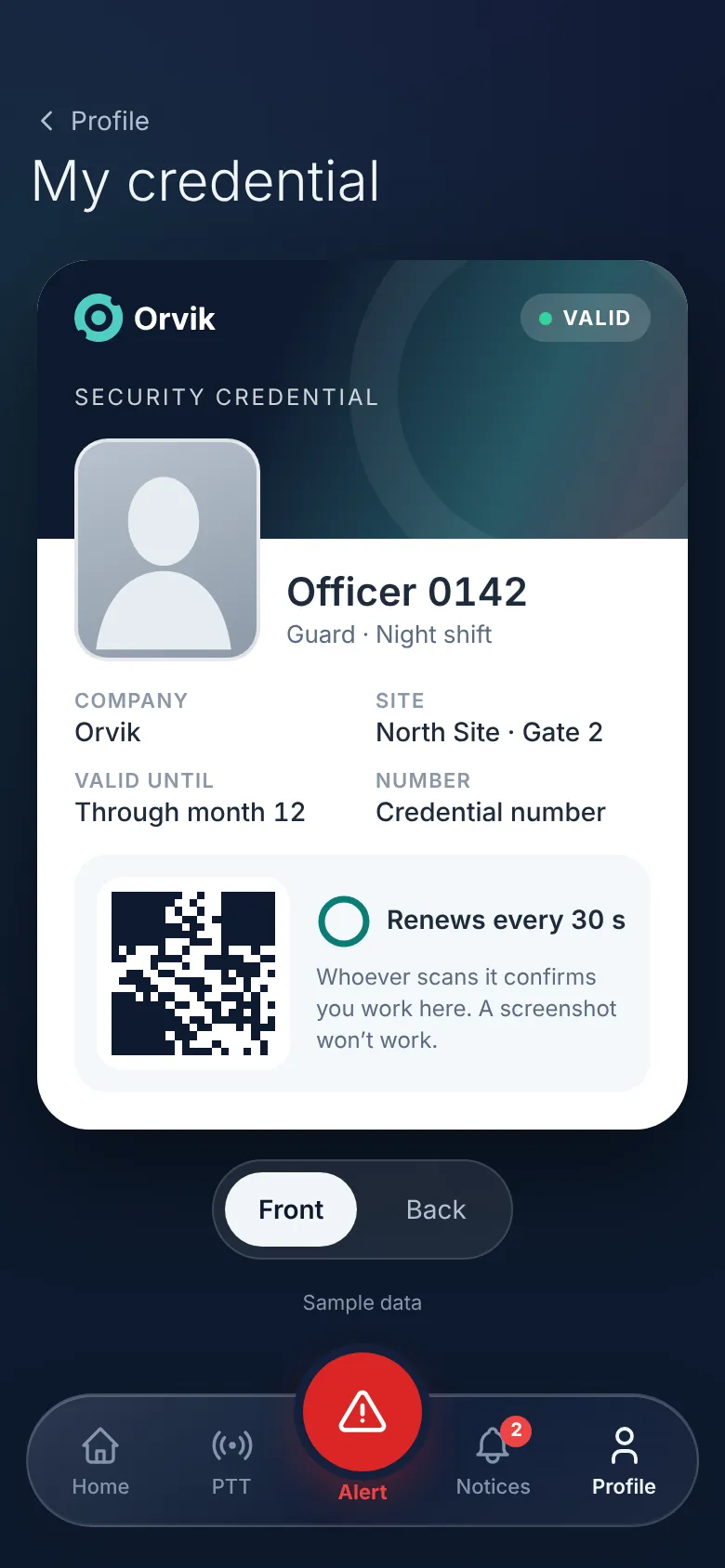
great work.Credential · Orvik ID
Know who
protects your site.
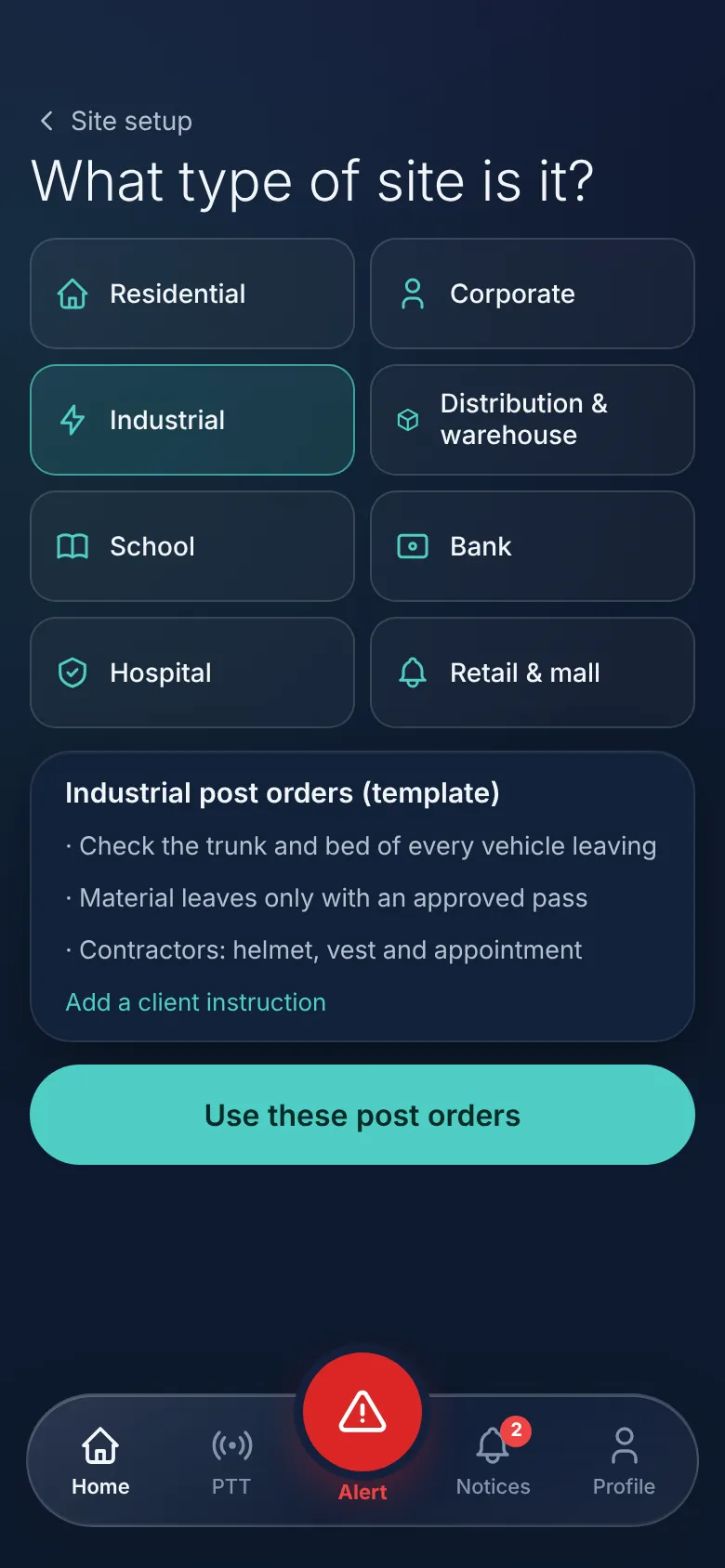
Site setup · Orvik ID
Every site,
its own rules.Shift handover · Orvik ID
The shift changes hands.
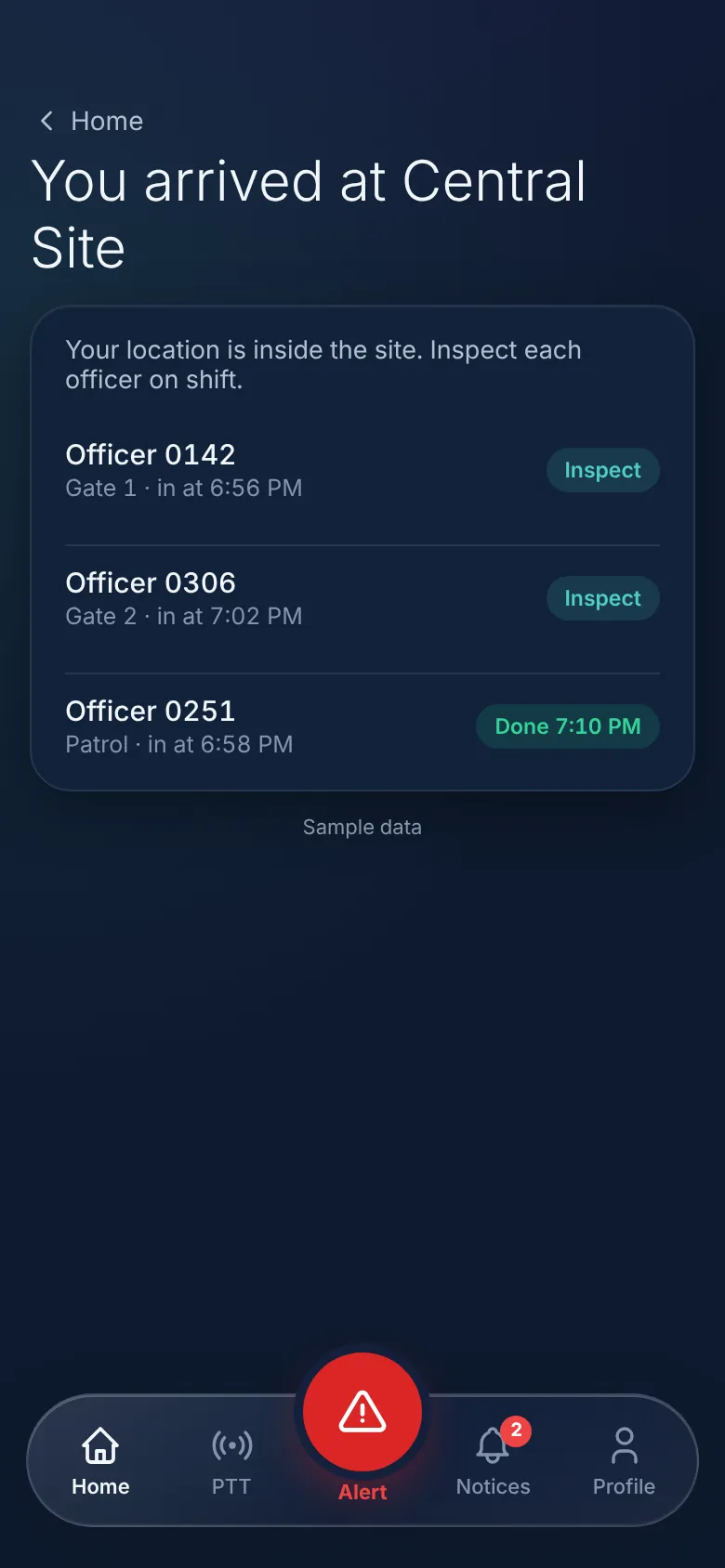
Face-verified.Supervision · Orvik ID
Supervisor on site.
It’s on record.Recognition · Orvik ID
Doing it right.
Now it shows.Credential · Orvik ID
Every officer,
identifiable.Material exit · Orvik ID
What leaves,
leaves with a pass.
Sample data
92%
That’s how many security officers change jobs in a year. With Orvik, every new hire is onboarded by link, with ID and face verification, from day one.
Security guards in California who changed jobs in 2024. Source: UC Berkeley Labor Center.
3s
Holding the alert button: it goes out with location, audio and video, and opens a radio line to dispatch.
99
Master codes on the officer’s phone. Exceptions are approved from a separate device, away from whoever is applying the pressure.
99
Button for the entire shift: Operate. The system recognizes what’s in front of it and decides the next step.
92%
That’s how many security officers change jobs in a year. With Orvik, candidates apply from their phone and their file goes digital.
Security guards in California who changed jobs in 2024. Source: UC Berkeley Labor Center.
17
CTPAT inspection checkpoints, included in Partner Elite.
3
Orvik Partner badge tiers to show your clients how you operate.
1
Console to monitor every site and client, live.
Orvik ID · the officer app
One button.
The whole shift.
Officers don’t dig through menus: they tap Operate and point the camera. Code, plate or ID — the system recognizes what it is and decides the next step.
- Home
- Operate
- Visit
- Patrol
- Alert
Start the shift.
Operate is always in the same spot, so officers can tap it without looking.
Point. Done.
One camera for everything. A voice guides the officer while it looks for the code.
The system knows who it is.
It reads the pass, identifies the scheduled visit and says what’s next: log the entry.
Time for the patrol.
It shows up only when it’s due. Until then, no one knows the time.
If something happens, the alert goes out.
Hold for three seconds. Location, audio and video as evidence, plus a radio line to dispatch.

Night shift
Built for
three in the morning.
- Day
- Night
Bright by day.
Clean screens you can read in the sun, with everything you tap within reach of your thumb.
Dark by night, automatically.
Eyes take twenty to thirty minutes to adjust to the dark, and a white screen undoes it in seconds. Orvik switches on its own.
Orvik Control · the client app
Your operation.
In your pocket.
If you contract security, you no longer wait for Monday’s report. See who’s on shift, which patrols were completed and what happened, as it happens.
See.
Attendance, patrols and incidents for every site, instantly.
Approve.
You decide who gets in, from the app, never over chat.
Verify.
Dashboards that trace every action: who, what and when.
- Notice
- Review
- Approve
- Covered
The notice arrives.
Even with your phone locked: someone is asking to enter your site.
See who it is.
The photo at the gate, their ID and how closely they match. Without opening the app.
You decide.
Approve, and the officer knows instantly. We’ll let you know when the visitor walks in.
Your site is never left alone.
If an officer doesn’t show up, the system assigns relief and you watch it happen, without lifting a finger.
Console
Total command.
From one screen.
Sites, shifts, incidents and staff in one place. It opens from the app: scan the code on the screen and confirm with your personal code and face.
Face-verified entryOfficer 0306 · Central Site · 5:50 PM
Patrol completeNorth Site · 6 of 6 checkpoints sealed
Relief assignedOfficer 0251 arrived at North Site
Live operations. What needs attention, on top; how the shift is going, below.
Every event, as it happens. Face-verified entries, sealed patrols and reports arrive on their own.
An uncovered post, covered. The system finds relief and you watch it arrive.
Sample data
Kyros
Watching every shift.
Even when no one else is.
Orvik’s digital supervisor. If something isn’t right on site, it asks, alerts and keeps a record.
“Are you OK?”
If the officer goes too long without moving, Kyros asks. If there’s no answer, the alert goes out.
Every post, covered.
If an officer leaves their post, Kyros notices and logs it.
Everything, on record.
Every alert, timestamped with its response, so you can verify it.
Security
No shortcuts.
A security system can’t have a back door. Orvik was designed so that no exception depends on the person under pressure.
Code and face.
Everyone gets in with their personal code and their face. A borrowed code opens nothing.
No master code.
There’s no code that skips a verification. If someone demands it, the officer doesn’t have it.
Codes that expire.
Passes and console access expire on their own. A screenshot won’t work.
Every action, recorded.
Who changed what, and when, logged by the system. No one has to monitor it manually.
A threat loses its power when the person threatened doesn’t hold what’s being demanded.
Plans
Two paths.
One foundation.
Each path has three tiers, and none of them gives you less core security: what changes is the depth. This comes with every plan, always.
Face and location attendanceVerified patrolsIncidentsPanic and duressQR access for visitors and guestsOfficer appClient app
Orvik In-Home
For organizations with their own officers.
Residential communities, schools and businesses that employ their own security staff.
- Dashboards by industry and, in Elite, full traceability
- Push-to-talk radio between officers, from Pro up
- Digital supervisor that detects anomalies, in Elite
Request a demoPrice per active officer per month
OrvikPartner Elite
Orvik Partner · three tiers with a badge
For security companies ready for the next level.
Run all your clients from one console and give them the app under your own brand.
- Operations console: sites, shifts and incidents
- Recruiting and digital personnel files
- Absence coverage and, in Elite, payroll and CTPAT inspections
Request a demoPrice per active officer per month
You protect. Orvik proves it.
Every entry, every patrol and every access, verified.See it in action.
We’ll show you Orvik with your real operation in a guided demo.
We received your request.
An Orvik specialist will email you to schedule the demo.